
Guide
How to set up your Storefront
A step-by-step guide to getting set up and selling your beats, loops, and sounds.
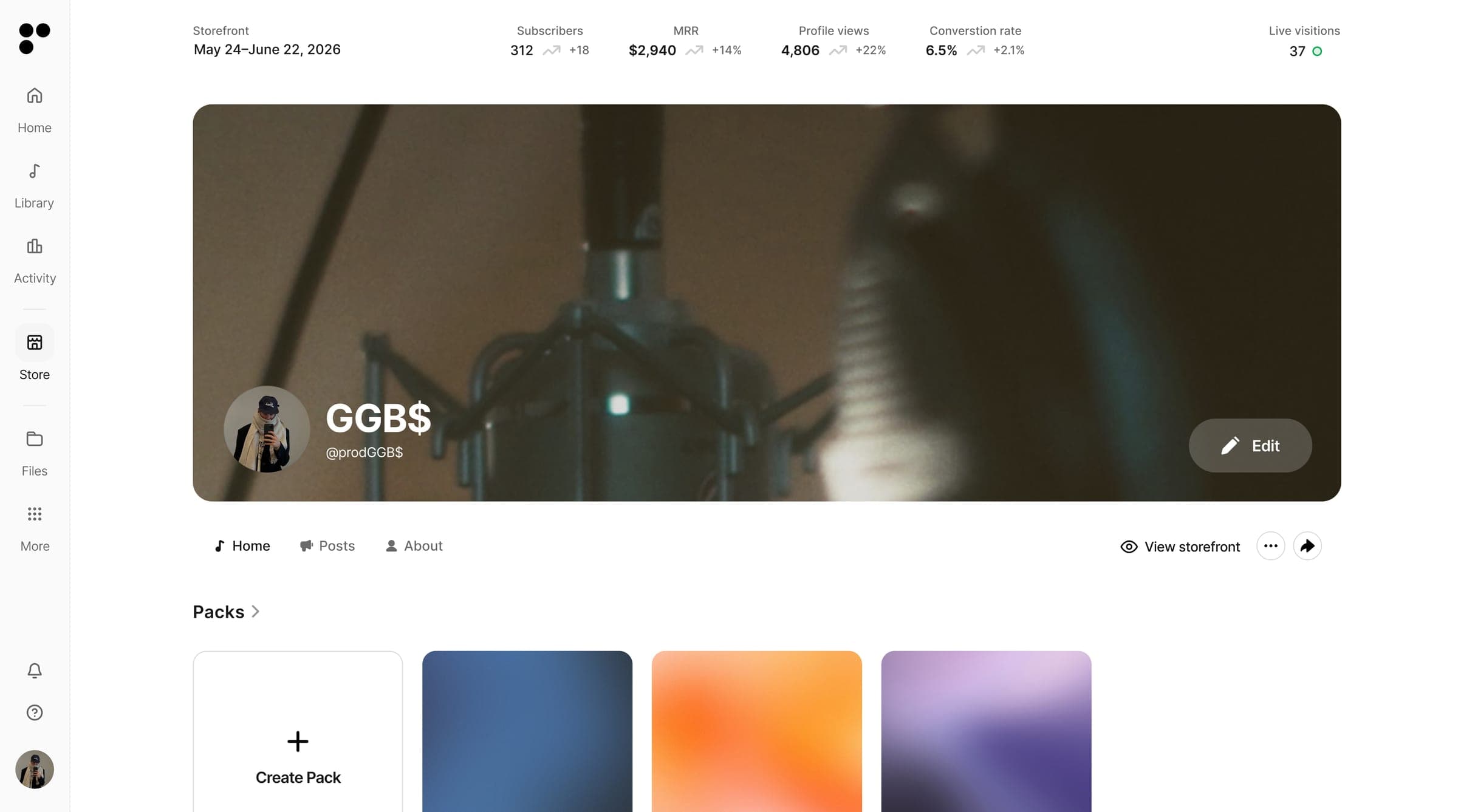
Getting set up takes a few minutes. Open Storefront in Settings and connect Stripe to get paid. Once you're confirmed, you're live. From there, set your subscription, choose a default license, and set up your profile.
Connect Stripe
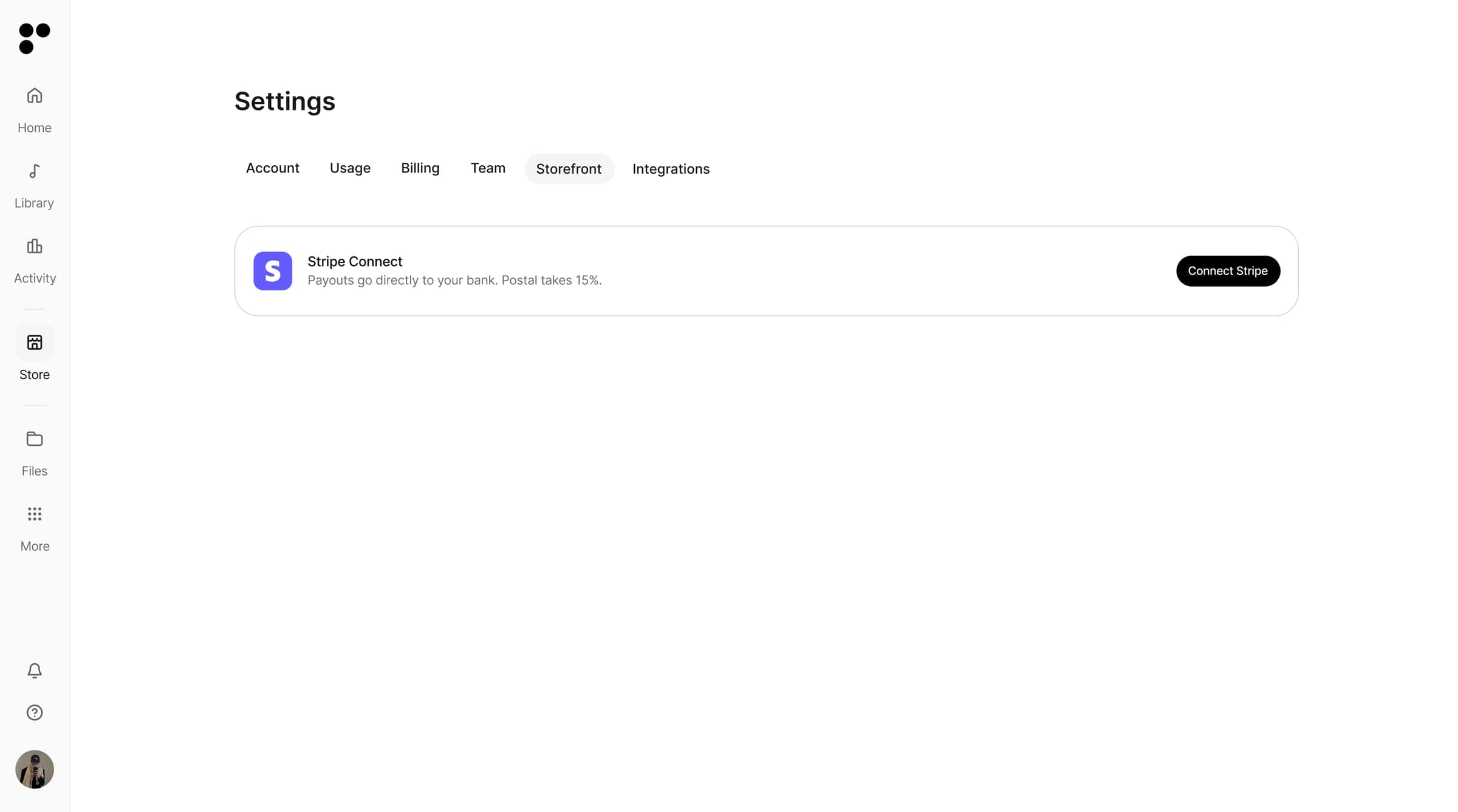
Postal uses Stripe to process payments and pay you out. In Settings, open Storefront and click Connect Stripe. Stripe will ask you to sign in or create a new account. Once your details are confirmed, your storefront goes live and you can start taking payments.
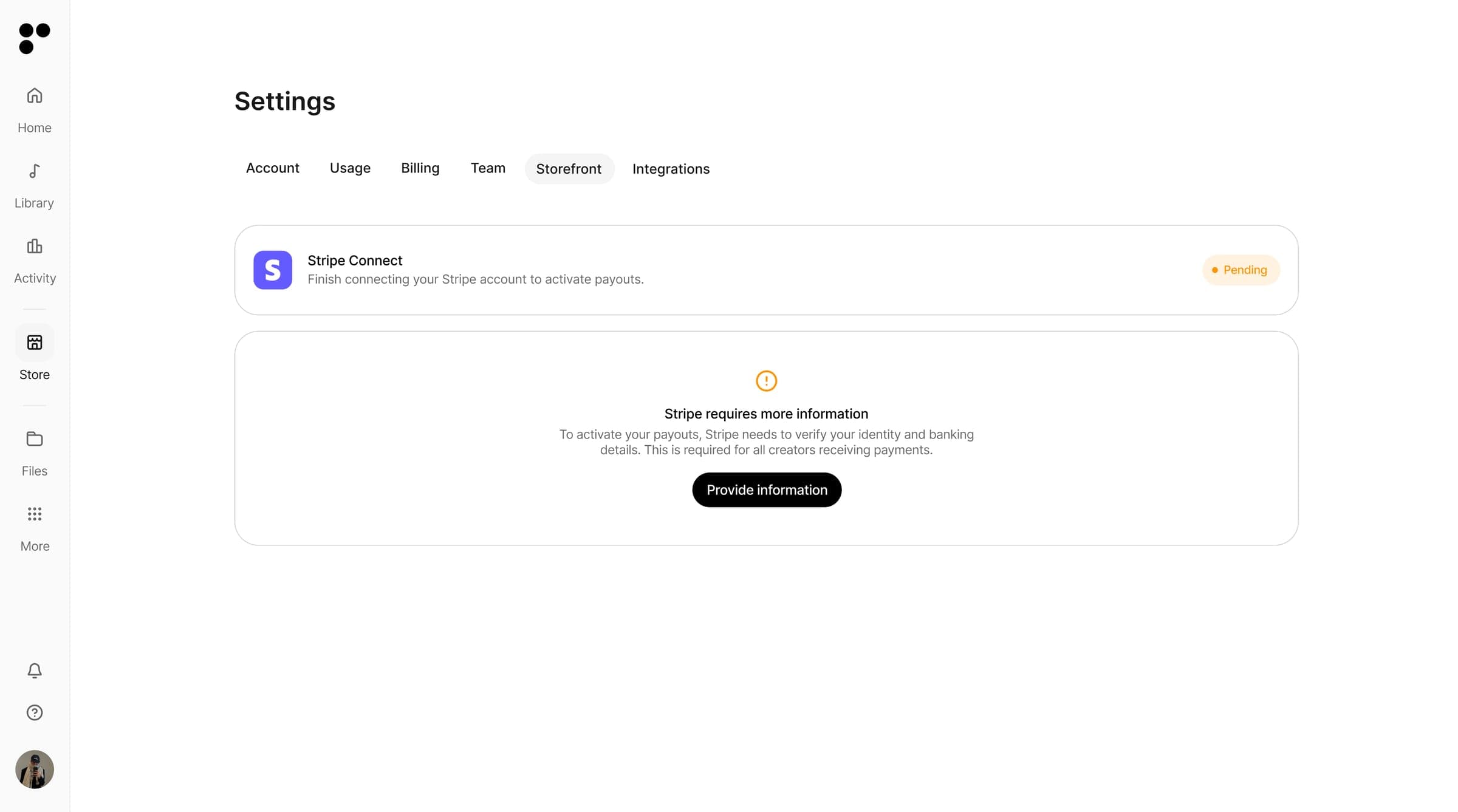
Sometimes Stripe needs a little more to verify you. If your status shows Pending, click Provide information and finish the details Stripe asks for. It's a standard identity and banking check so Stripe can pay you out. Once it's done, your status goes active and you're ready to take payments.
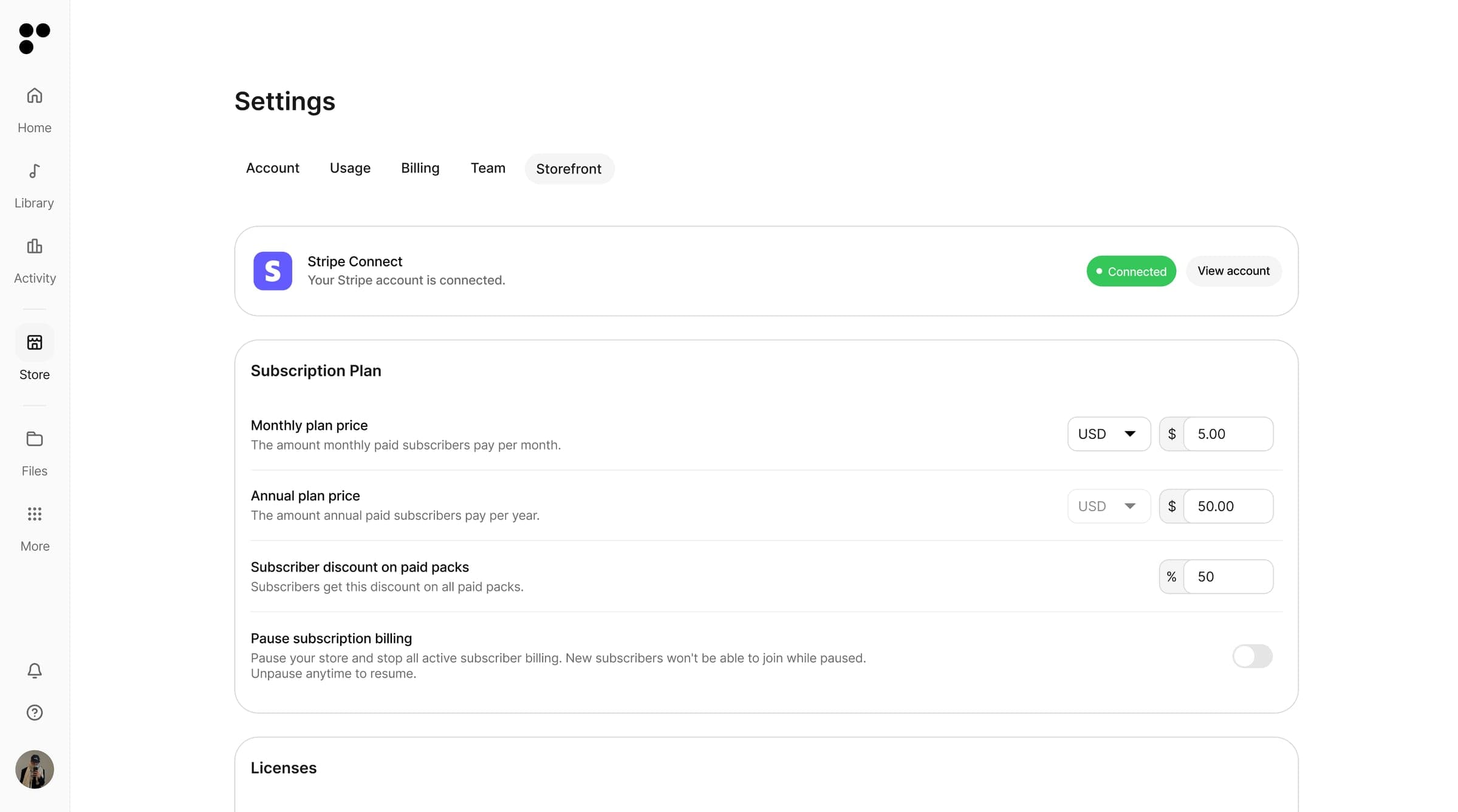
Set your subscription
Set how you want to sell. Choose a monthly or yearly subscription for ongoing access to your catalog, and set the price for individual paid packs. You can also set a subscriber discount, so anyone subscribed to you automatically gets a lower price on your paid packs.
Choose your default license
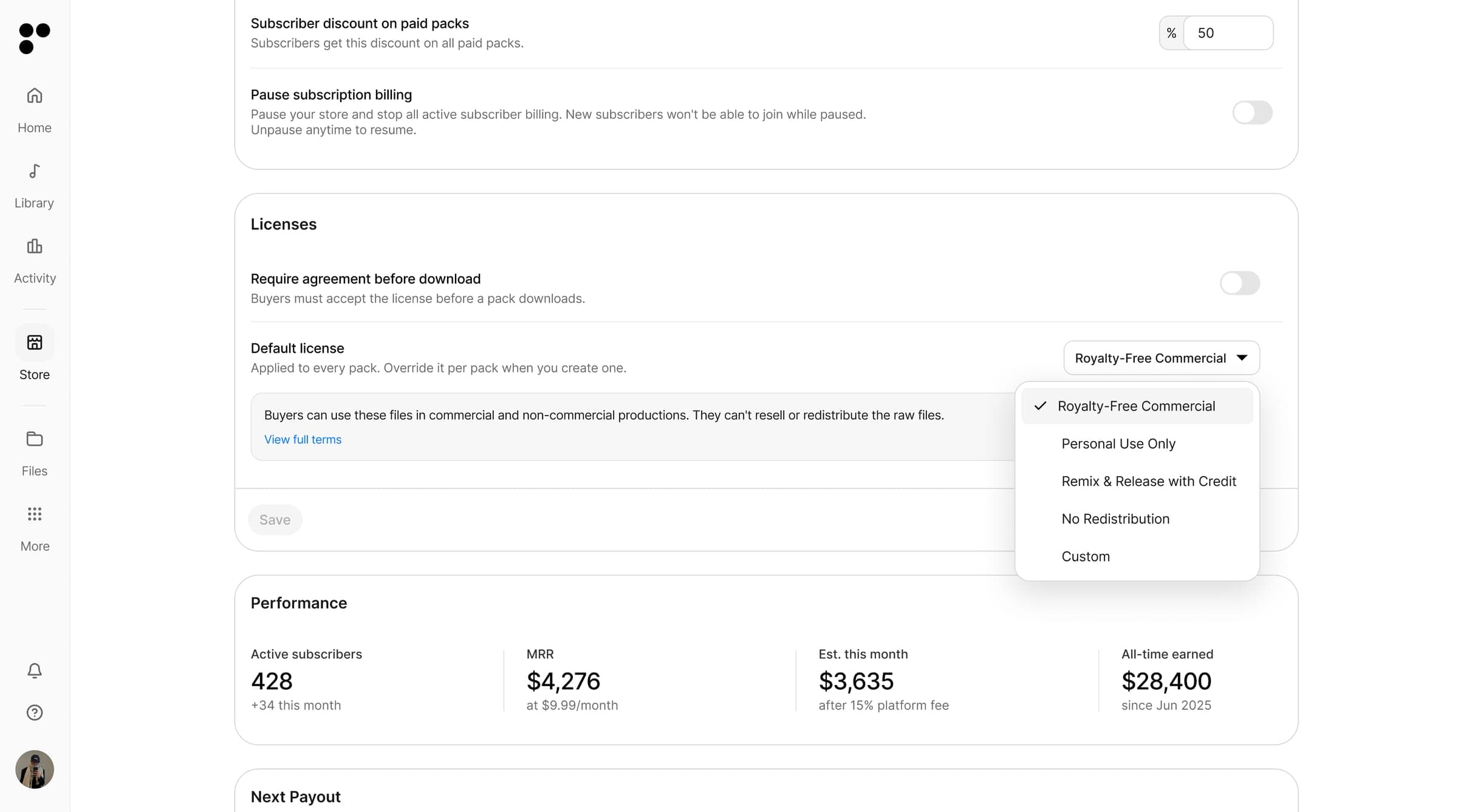
Decide how buyers are allowed to use your files. Turn on Require agreement before download to make buyers accept your terms first. Then choose your default license, which applies to every pack automatically. You can override it on any pack when you create it.
You have five options: Royalty-Free Commercial, Personal Use Only, Remix & Release with Credit, No Redistribution, or create your own Custom license.
Set up your profile
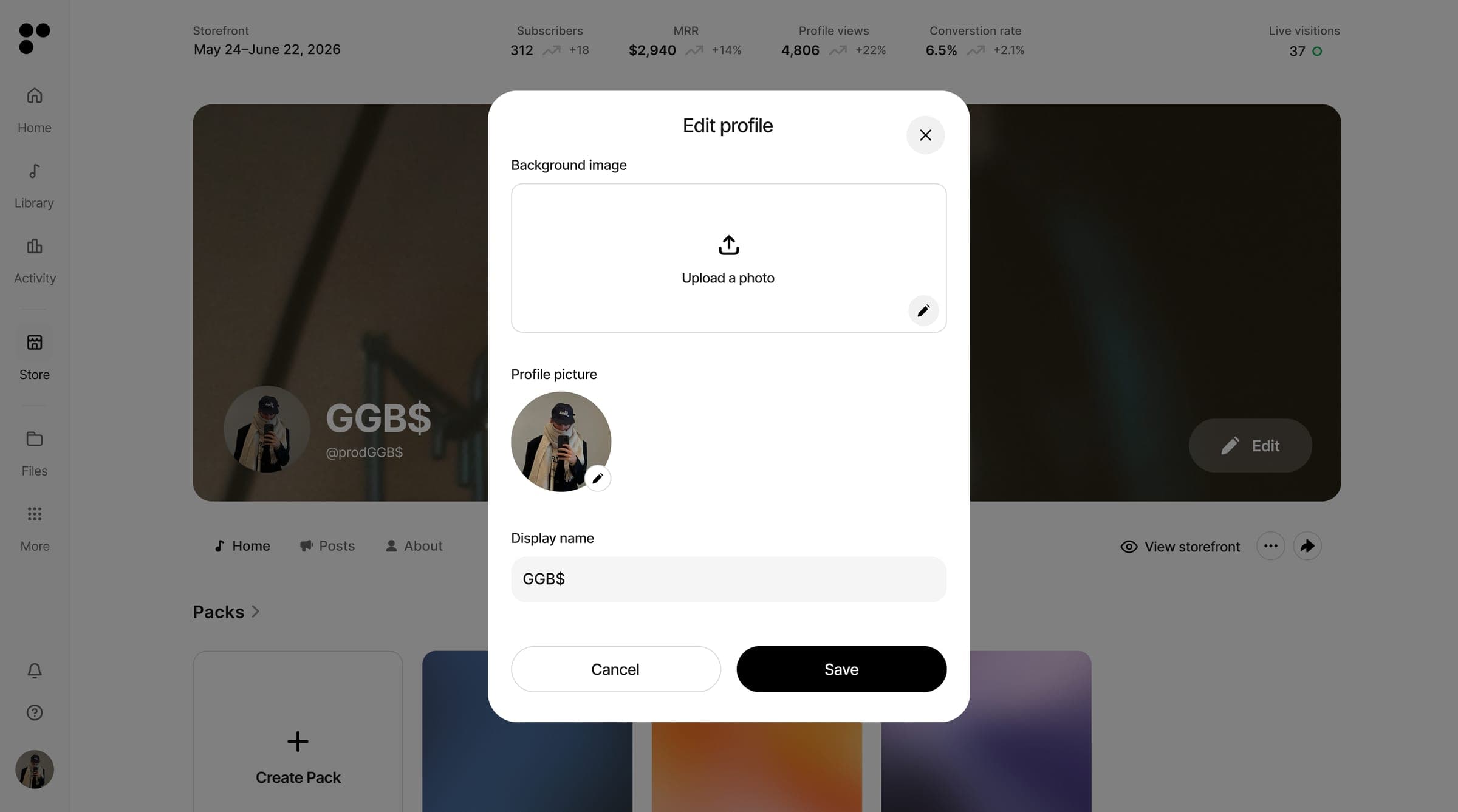
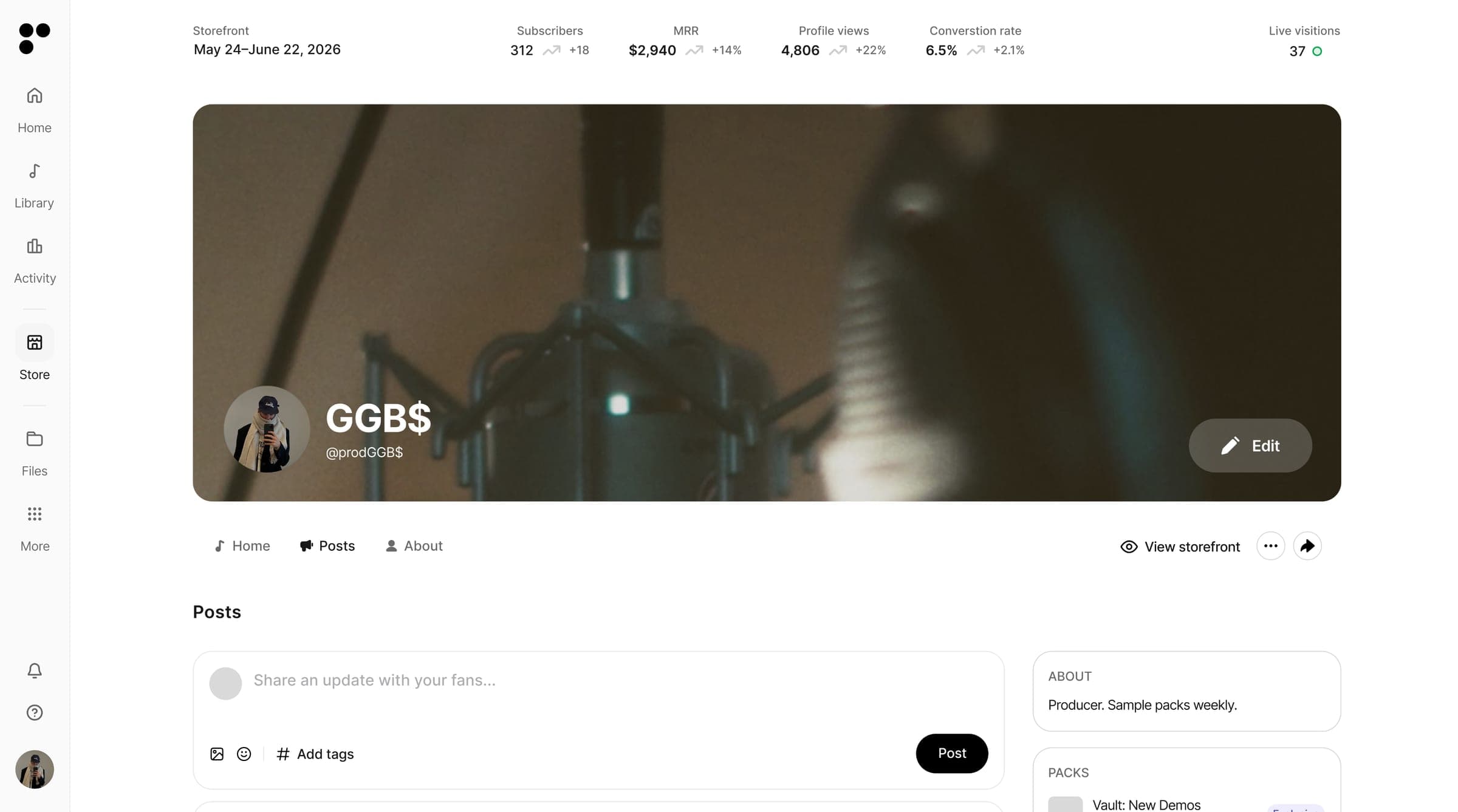
Set up your public profile. Add your banner, profile pic, display name, handle, bio, and social links so people know whose sound they're buying.
Start selling
Your storefront is ready. Now fill it and grow it.
Create a pack
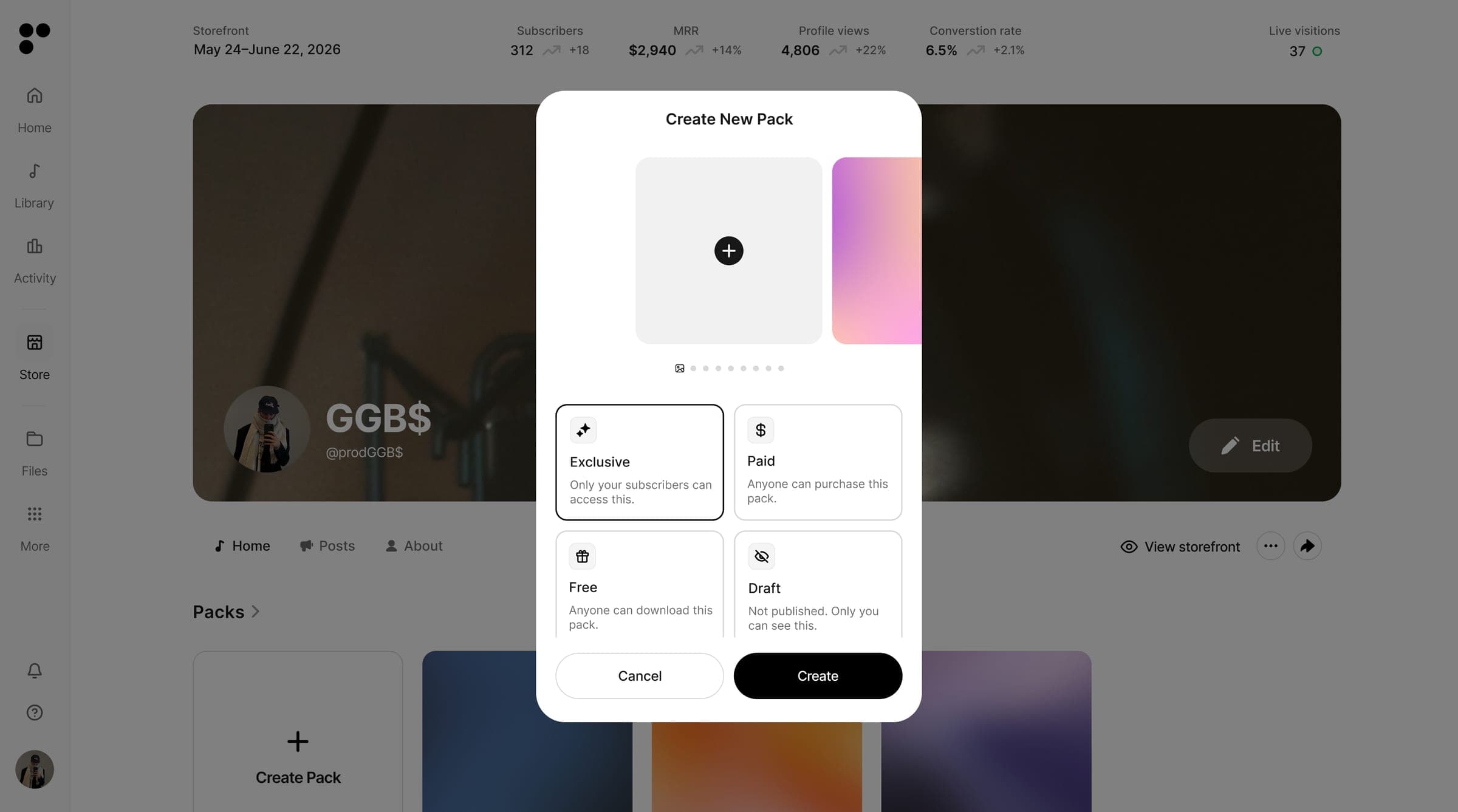
This is what you sell. Name the pack, add a description, pick a license, and add tracks directly from your library. Then choose how you want to release it:
- Subscribers — only your subscribers can access it
- Paid — set a price for a one-off purchase
- Free — anyone can download it
- Private — a draft, hidden until you're ready to publish
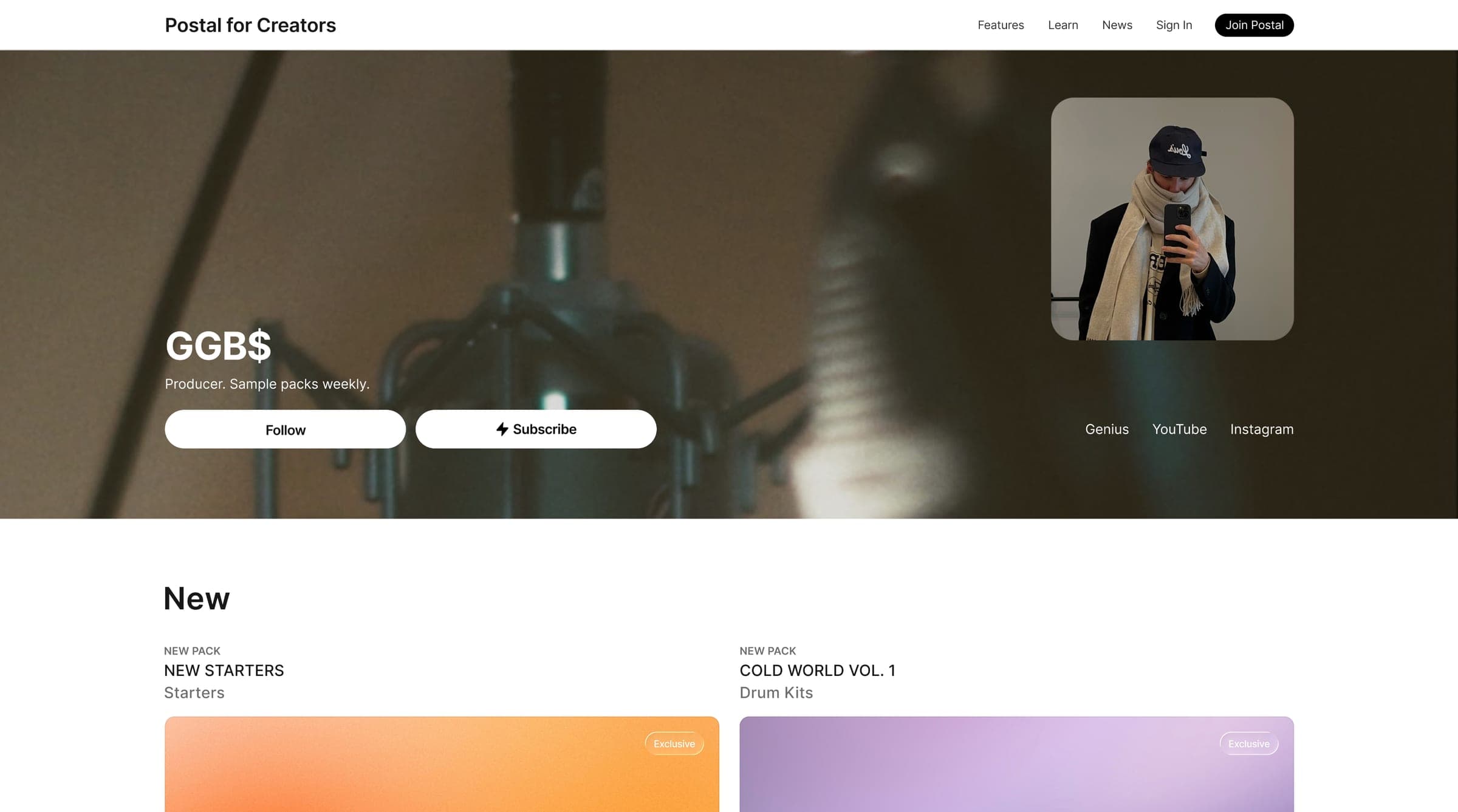
Publish it and it shows up on your storefront.
Create a track request
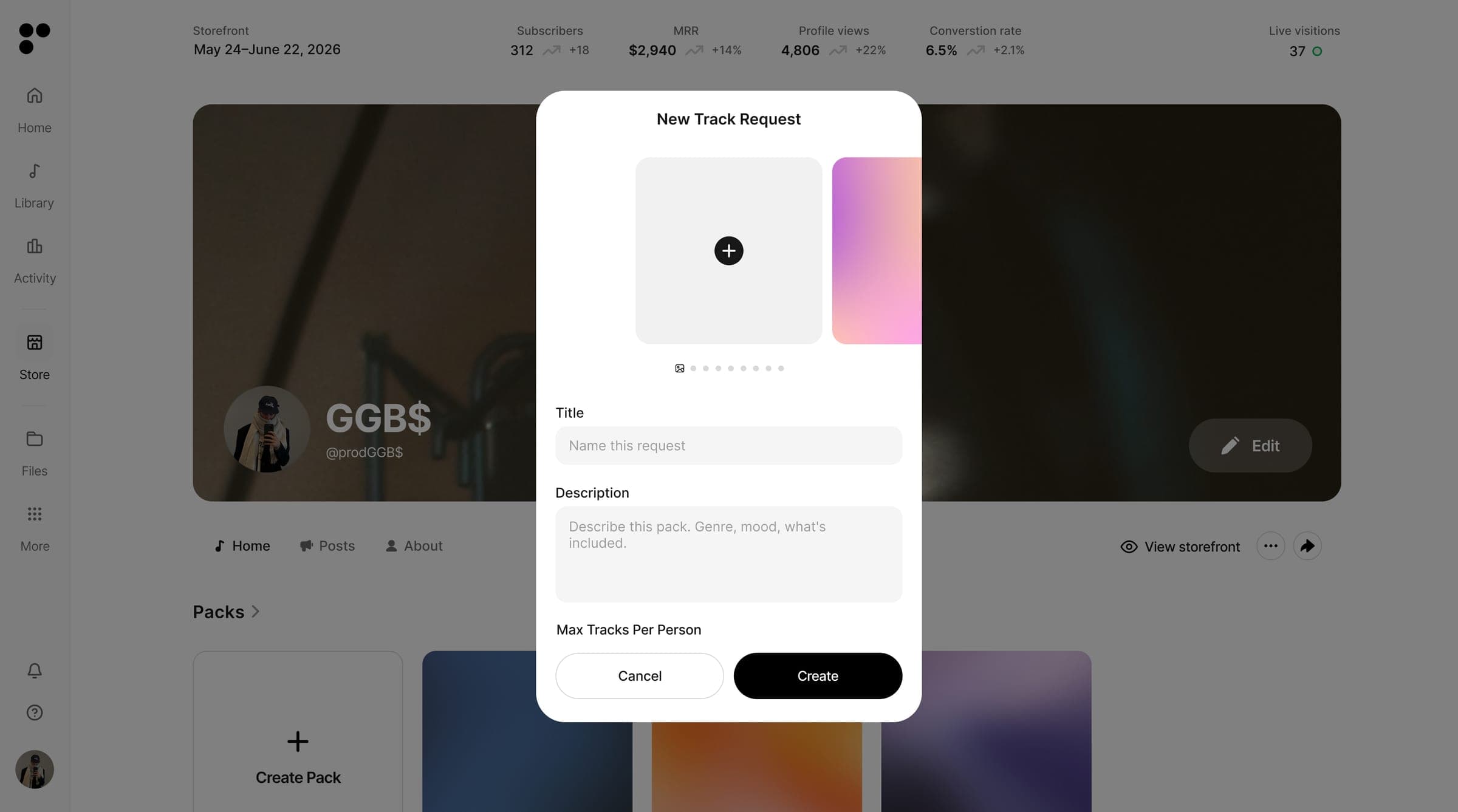
Add a track request link right on your storefront. Your subscribers can use it to send you beats, loops, and tracks anytime, and it's subscribers only, so it doubles as a reason to subscribe. Use it to review submissions, give feedback, and find tracks worth placing.
Post your drops
Keep your subscribers close. Post updates and announce new drops straight to your feed.
You're live
That's everything. Your storefront is set up, your packs are up, and your public page is ready to share. Hit View storefront anytime to grab your link and send people straight to your sound.
Need a hand?
That's it, you're ready to sell. If anything comes up, reach us anytime at support@postal.music